
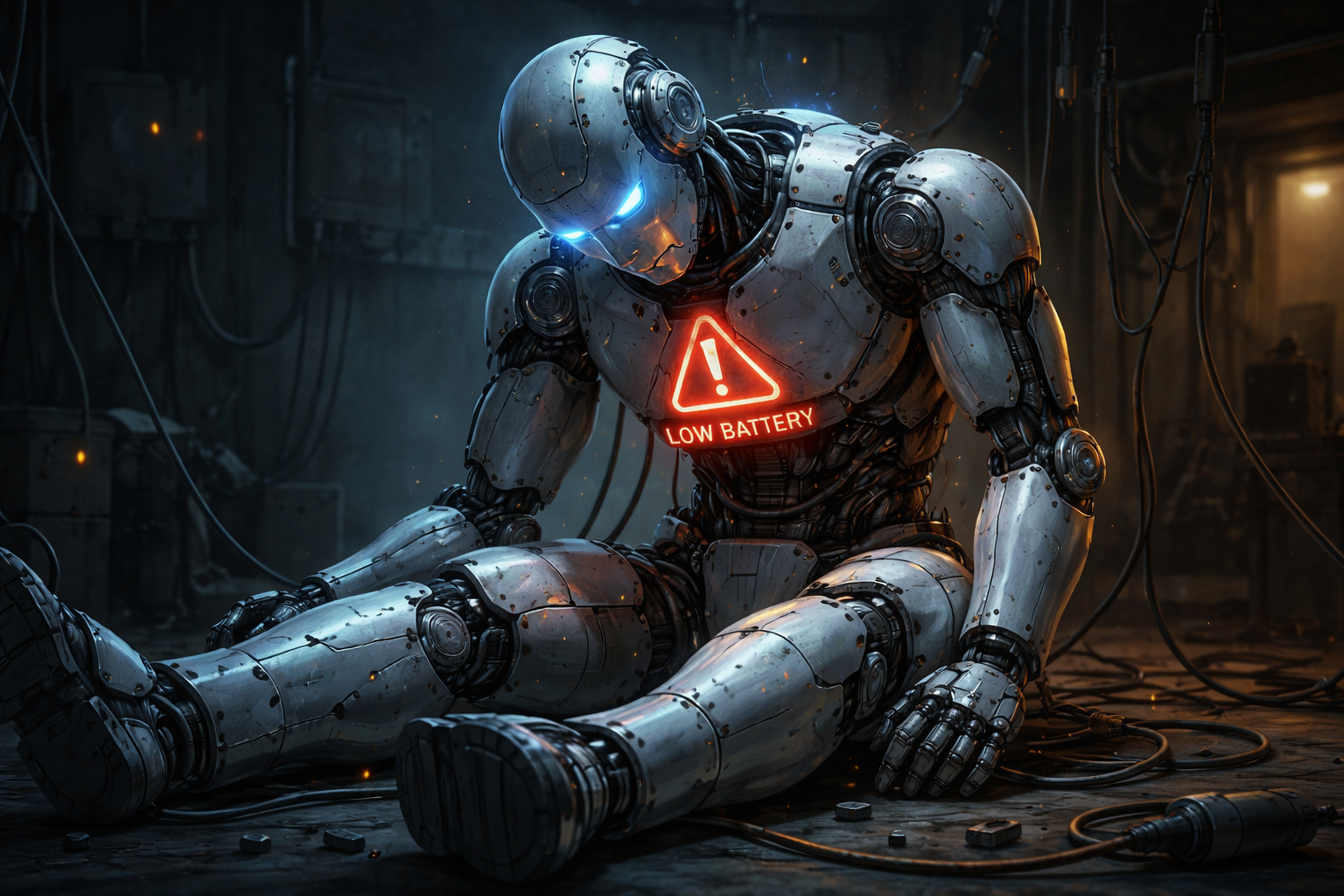
The internet loves simple answers. “Animations are bad.” “Always-on display is bad.” “Complications are bad.” Reality is messier (and more interesting).
What actually drains a smartwatch battery
Your watch battery is mostly spent on a few big categories:
- Display power (brightness + how many pixels are lit on OLED screens)
- CPU/GPU work (how often the watch has to redraw the face)
- Radios (Bluetooth/Wi‑Fi/LTE, plus network wakeups)
- Sensors (heart rate, GPS/location, step detection, etc.)
When animations become a problem
Animations hurt battery when they force frequent redraws. The sneaky killers are:
- Animating every second (or worse: multiple times per second)
- Redrawing the entire canvas instead of a small area
- Continuing motion in Always-On Display mode
- Layering multiple animated elements + heavy gradients + blur
Often worse than animation: complications & data updates
A “static” watchface that constantly pulls weather, refreshes location, or requests updates from multiple complication providers can drain faster than a smartly animated face.
If your watchface wakes the watch to fetch data, the battery pays for it — even if the screen looks calm.
How to choose a battery-friendly watchface
- Prefer faces with a good AOD mode (simple, minimal movement)
- Limit weather complications if you don’t need them
- Avoid faces that show seconds in AOD
- Use darker themes on OLED watches (fewer lit pixels)
How we approach it at Aetnawood
Our goal is “alive” not “noisy.” We try to keep animations subtle and purposeful, and we treat AOD as a different design state (because it is). If you ever hit a battery issue you suspect is face-related, reach out on the Support page and we’ll help diagnose it.
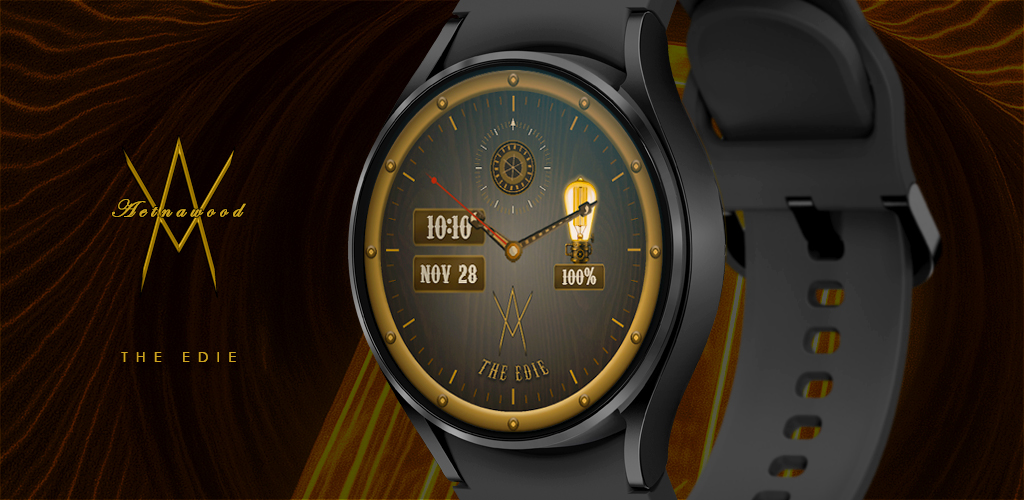
Ready to browse? Head to our Watchfaces page.