
Samsung Galaxy Watch (Wear OS)
Best for: People who want the widest range of hardware choices (sizes / styles), strong “Android smartwatch” value, and deep Samsung ecosystem integration.
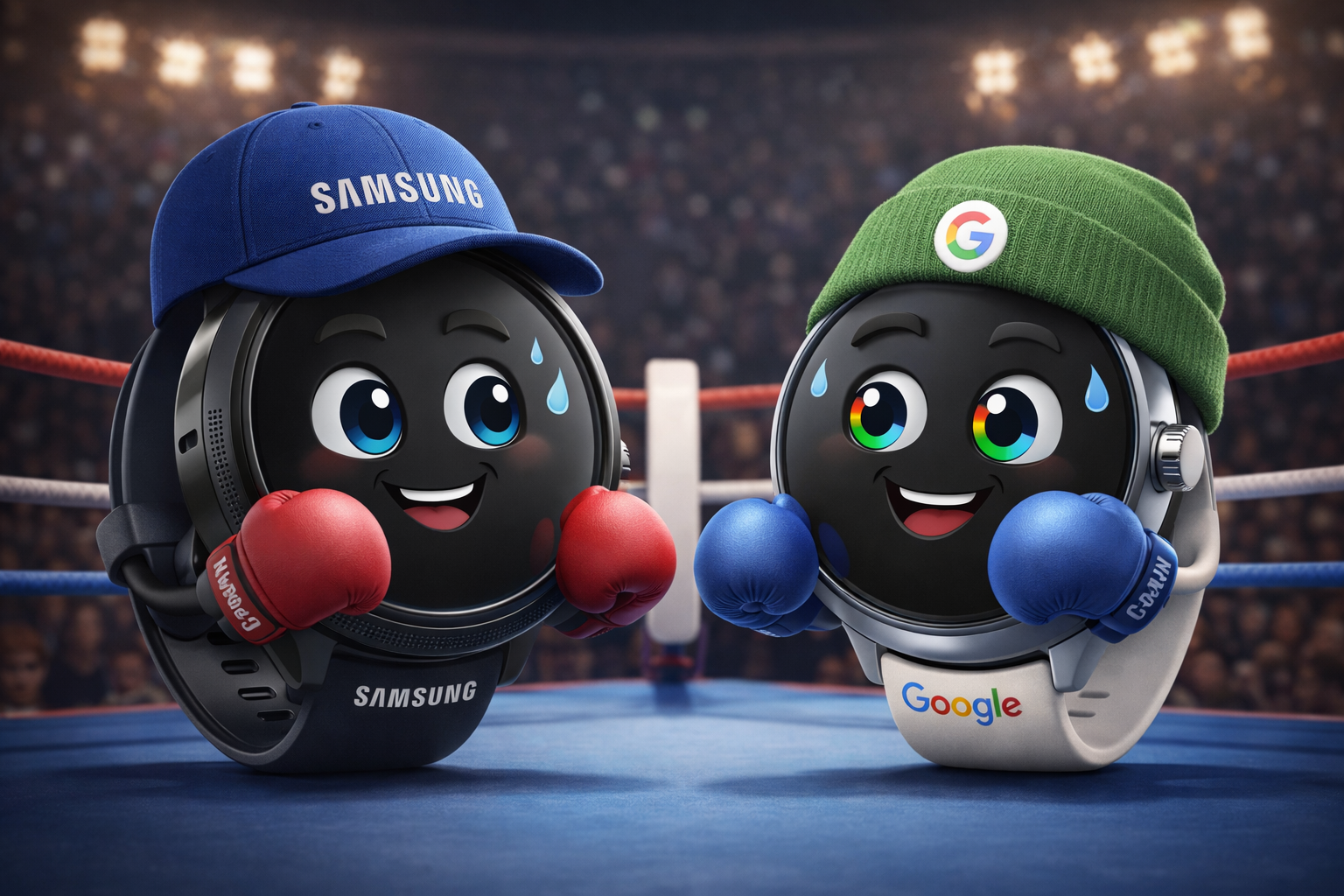
Typical price range:
Galaxy Watch models commonly start around the mid-$300s (USD) for Bluetooth/Wi‑Fi, with higher-end “Classic/Ultra”
tiers costing more — and frequent promotions/trade-ins can drop real-world prices.
Pros
- Big Wear OS audience — Galaxy Watch is the most common Wear OS family “in the wild”.
- Lots of choice (sizes, styles, rugged options, rotating bezel on some models).
- Bright, outdoor-friendly screens on newer models — great for bold, high-contrast faces.
- Great deals show up often (Samsung store promos + retailers).
Cons
- Some advanced health features can be more limited outside the Samsung phone ecosystem (and availability can vary by region/regulation).
- Samsung’s One UI layer adds features, but also means the “feel” differs from Google’s stock Wear OS.
- If you run lots of complications + frequent updates, battery can drop faster than expected.
Where people buy it: Samsung.com, Amazon, Best Buy, and mobile carriers for LTE versions.
Google Pixel Watch
Best for: People who want the most “Google-first” Wear OS experience, tight integration with Google apps, and Fitbit-powered health insights.
Typical price range:
Pixel Watch models usually start in the mid-$300s for Wi‑Fi, with LTE and larger sizes costing more.
Google and retailers often run discounts, especially around major sales periods.
Pros
- Clean, “Google-native” experience — feels consistent with Android + Google apps.
- Excellent screen readability on recent models (very high peak brightness).
- Fitbit integration is a strong draw for fitness-focused users.
- Great choice if your customers are mostly Pixel phone owners (they tend to shop “in-ecosystem”).
Cons
- Some deeper insights / coaching features may depend on Fitbit app + (in some cases) Fitbit Premium.
- Pixel Watch requires Android (not iPhone), and newer models have minimum Android version requirements.
- If you build ultra “data-dense” faces, you still need to be careful with AOD readability + battery.
Where people buy it: Google Store, Best Buy, Amazon, and mobile carriers for LTE versions.
Whichever watch you have decided to go for, if you want examples of cool watchfaces, browse our Watchfaces.
Choosing between Galaxy Watch and Pixel Watch
For watchfaces specifically, these watches are relatively similar: both run Wear OS, both use the Google Play Store, and most faces will look and behave the same. The real differences are in the ecosystem, hardware options (sizes/styles), and battery headroom when you run heavier faces with lots of complications.
- Go with a Samsung Galaxy Watch if you prefer… more choice in watch styles/sizes, frequent retail deals, and the “most common Wear OS” audience. It’s often the safest pick if you want the widest compatibility expectations, accessories, and a big user base. It can also feel best if you’re already on a Samsung phone and want deeper Samsung-flavoured features.
- Go with a Google Pixel Watch if you prefer… the most “Google-native” Wear OS experience, tight integration with Google apps, and Fitbit-powered health tracking. Pixel Watch owners tend to be very “in-ecosystem,” and the UI feel is clean and consistent if you like Google’s style.
- Either one is a great choice if… your main goal is simply installing great faces from Google Play. In that case, prioritize the watch that gives you the best readability (size/brightness) and enough battery headroom for your preferred style (especially if you love data-heavy complications).
Bottom line: they’re more alike than different for watchfaces. If you’re publishing or shopping, Galaxy Watch users are typically the larger slice of the Wear OS audience, while Pixel Watch users are a smaller group but often highly engaged.